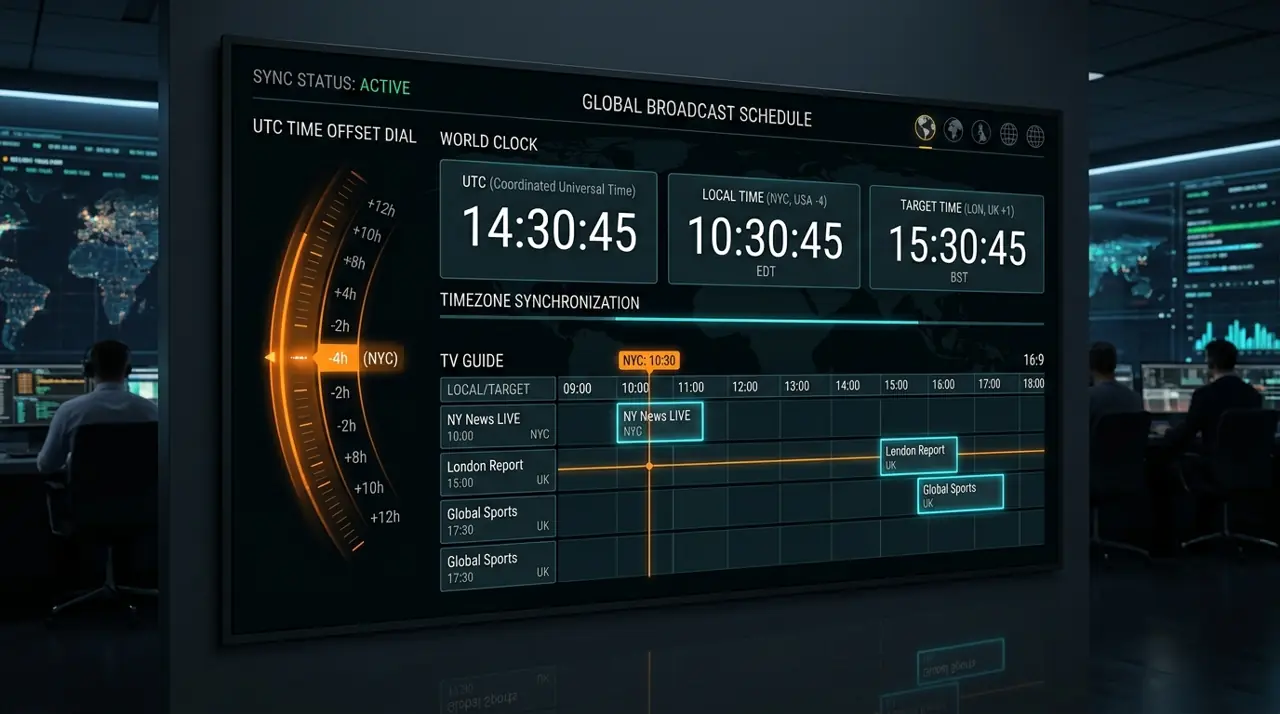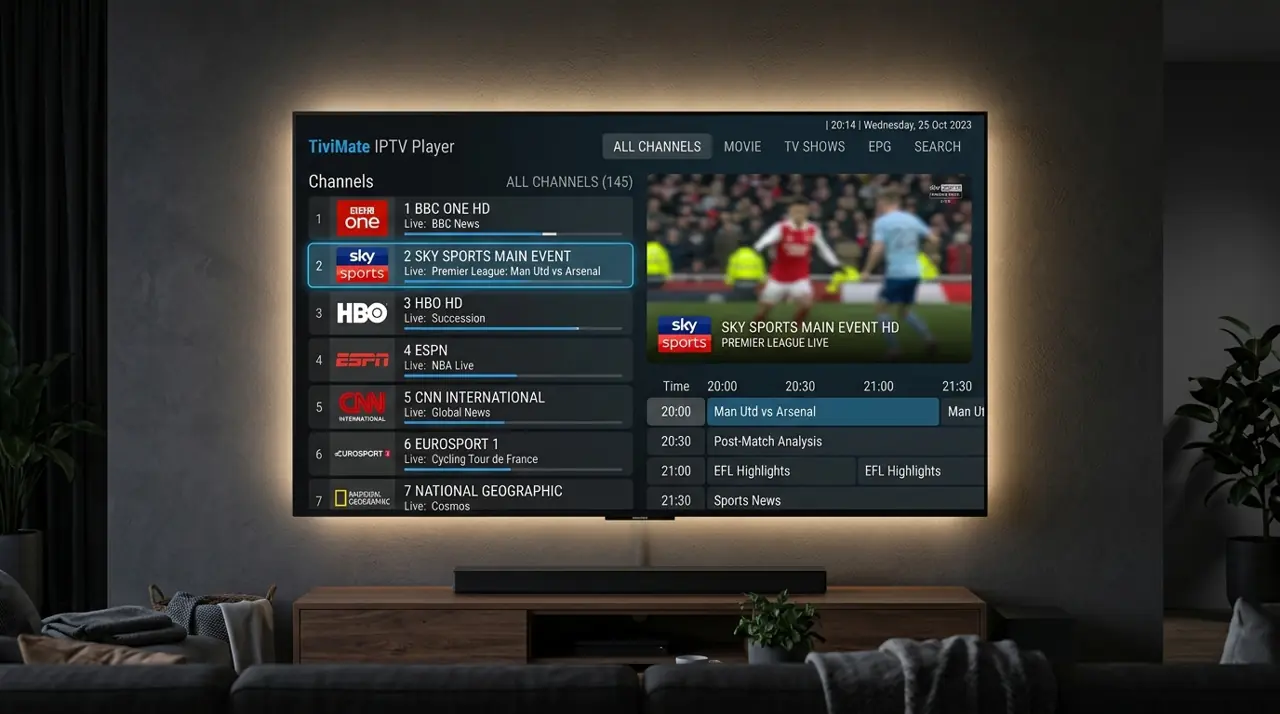
Check the IPTV channel line-up before you subscribe
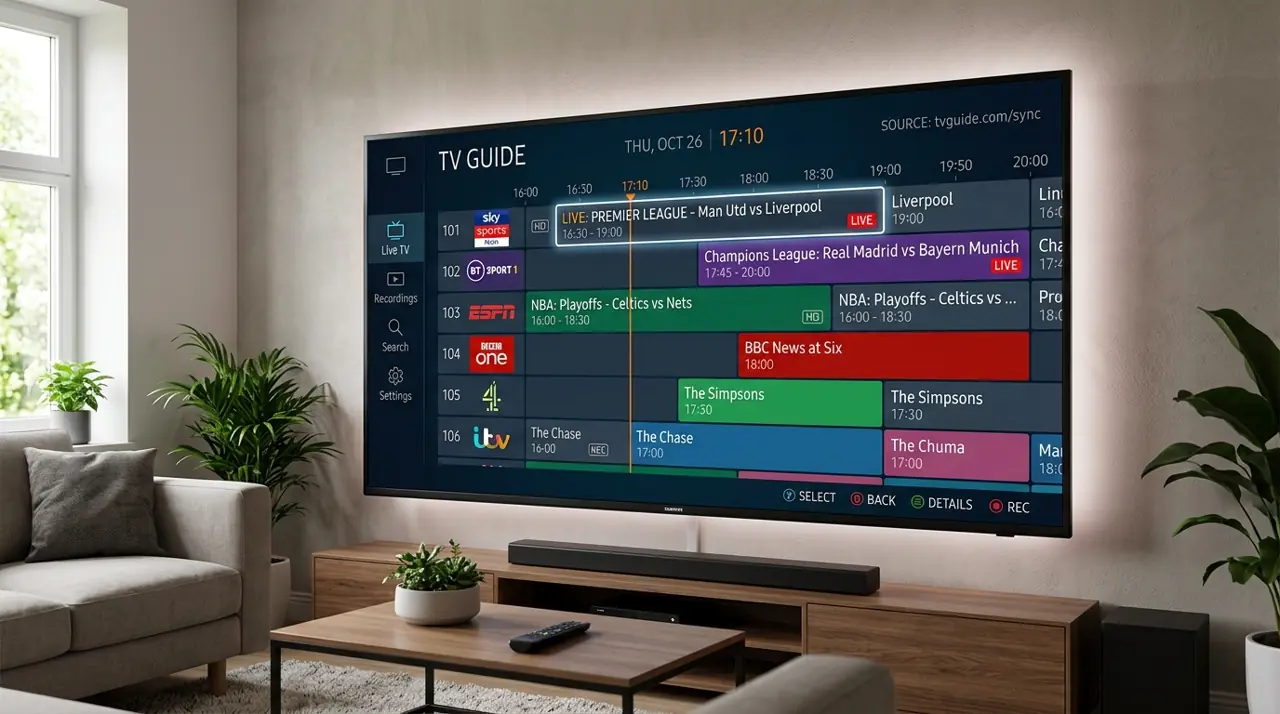
Before choosing an IPTV plan, check whether the channels and programme categories you want are currently available. Channel lists change, and headline totals do not tell you whether a specific channel or event is included.
How to check a channel line-up
- Write down the exact channels, teams or programmes you need.
- Ask the provider to confirm current availability and any regional limitations.
- Check whether the player includes an EPG and whether listings are available for those channels.
- Confirm that the plan supports your device and number of simultaneous streams.
Why listings and channel availability can change
Broadcasters change schedules, names and rights. An EPG may also show blank or outdated listings even when a stream is available. Ask about current information rather than relying on a copied channel list.
GetIPTV AU channel and on-demand line-ups can change and aren't guaranteed. Ask us about specific channels before ordering. Compare plans.